Azure Sentinel, The Evolution of Prisma Cloud Log Integration: From Function Apps to CCF
Integrating Palo Alto Prisma Cloud (hereafter “Prisma”) logs into Azure Sentinel has undergone significant technical shifts. In this post, I will share the structural breakdown of Prisma and my practical experience migrating to the Codeless Connector Framework (CCF) for a more streamlined log integration.
1. Understanding Prisma Cloud Modules (CSPM vs. CWPP)
Before diving into log integration, it is crucial to distinguish between Prisma’s core modules (often called “blades”), as they dictate the nature of the logs:
- Cloud Security (CSPM): Focuses on Cloud Security Posture Management. It detects misconfigurations in infrastructure, IAM, networking, storage, and control-plane activities.
- Runtime Security (CWPP): Known as the Cloud Workload Protection Platform. It focuses on runtime-level protection, applying detection rules to workloads such as VMs, containers, and hosts.
Note: Other modules include Application Security and Data Security.
2. Legacy Log Ingestion: The Challenges of Custom Development
Until early 2025, log collection was fragmented and operationally heavy:
- CSPM: Required manual development and maintenance of Azure Function Apps to ingest logs.
- CWPP: Due to the lack of a standard connector, we had to rely on Logic Apps to pull logs via general APIs.
The Function App approach, in particular, presented several pain points:
- Data Size Limits: Handling records that exceeded the 32KB row size limit.
- Unstructured Schemas: The JSON payloads were often bloated with metadata, policy definitions, and compliance mappings. This forced engineers to spend excessive time on field mapping and normalization during connector development.
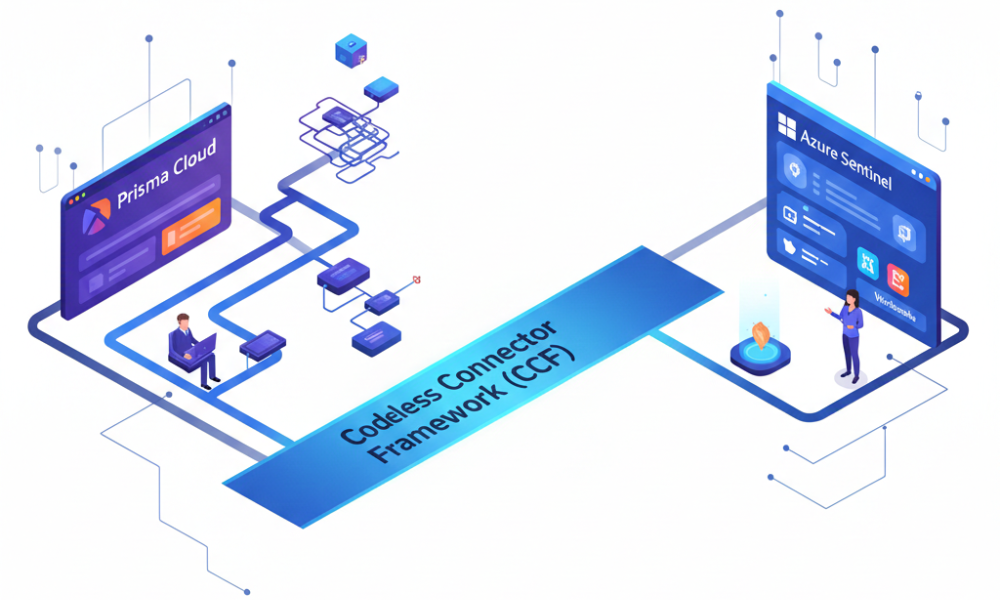
3. The Shift to Codeless Connector Framework (CCF)
The introduction of the Codeless Connector Framework (CCF) for CSPM log ingestion has been a game-changer. From my experience, the primary benefits are:
- No-Code & Simplified Auth: Setup is possible without writing custom code or navigating complex authentication hurdles.
- Vendor-Defined Normalization: Since the vendor and Microsoft pre-define the mapping, you no longer need to worry about data integrity or manual normalization.
- Leveraging Pre-canned Content: Using a native connector allows for the immediate application of built-in Analytics Rules and Workbooks provided by Microsoft and Palo Alto.
4. Practical Insight: Efficient Filtering via DCR
One of the most powerful features of CCF is the ability to apply filtering and mapping directly within the Data Collection Rule (DCR).
Pro Tip: In environments where Prisma QA and Production tenants are not logically separated, you can use the DCR to identify specific identifiers and filter logs at the ingestion point. This ensures you only store necessary data, significantly optimizing both costs and operational efficiency.
5. Conclusion
As of January 2026, the CSPM Connector is in Preview mode and utilizes the CCF architecture. I expect this framework to pave the way for even more robust content development in the future.
While application log ingestion always requires careful planning, leveraging an API-based CCF maximizes the usability of Azure Sentinel. More importantly, it frees up security professionals from the burden of maintenance, allowing them to focus on what matters most: developing and deploying high-quality detection content.
Trademarks & Disclaimer
- Trademarks: Microsoft, Azure, and Sentinel are registered trademarks of Microsoft Corporation. Palo Alto Networks and Prisma Cloud are registered trademarks of Palo Alto Networks, Inc. All other product names, logos, and brands are property of their respective owners.
- Disclaimer: The views and opinions expressed in this post are those of the author and do not necessarily reflect the official policy or position of any featured companies. This content is provided for informational purposes based on hands-on technical experience and does not replace official product documentation.